Skills
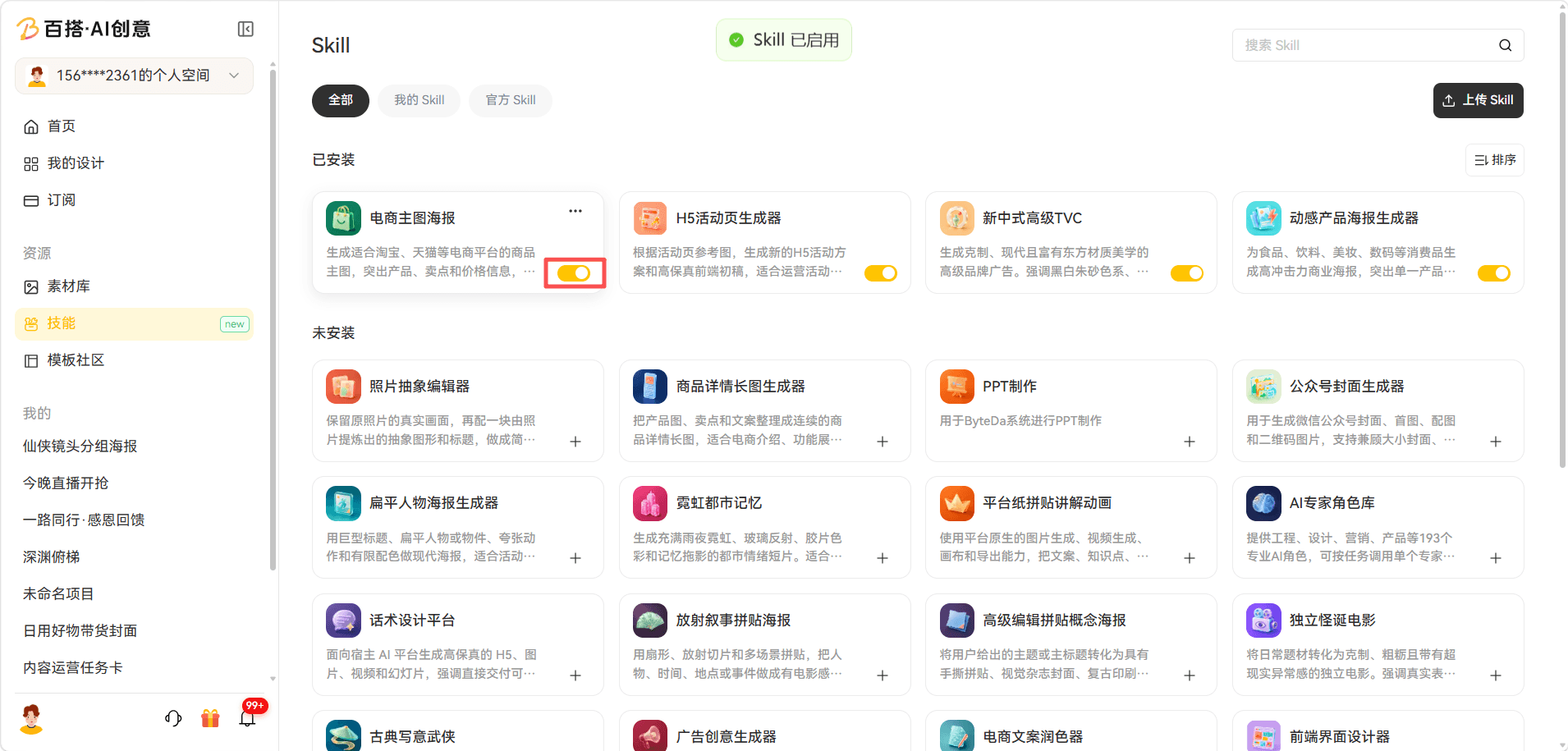
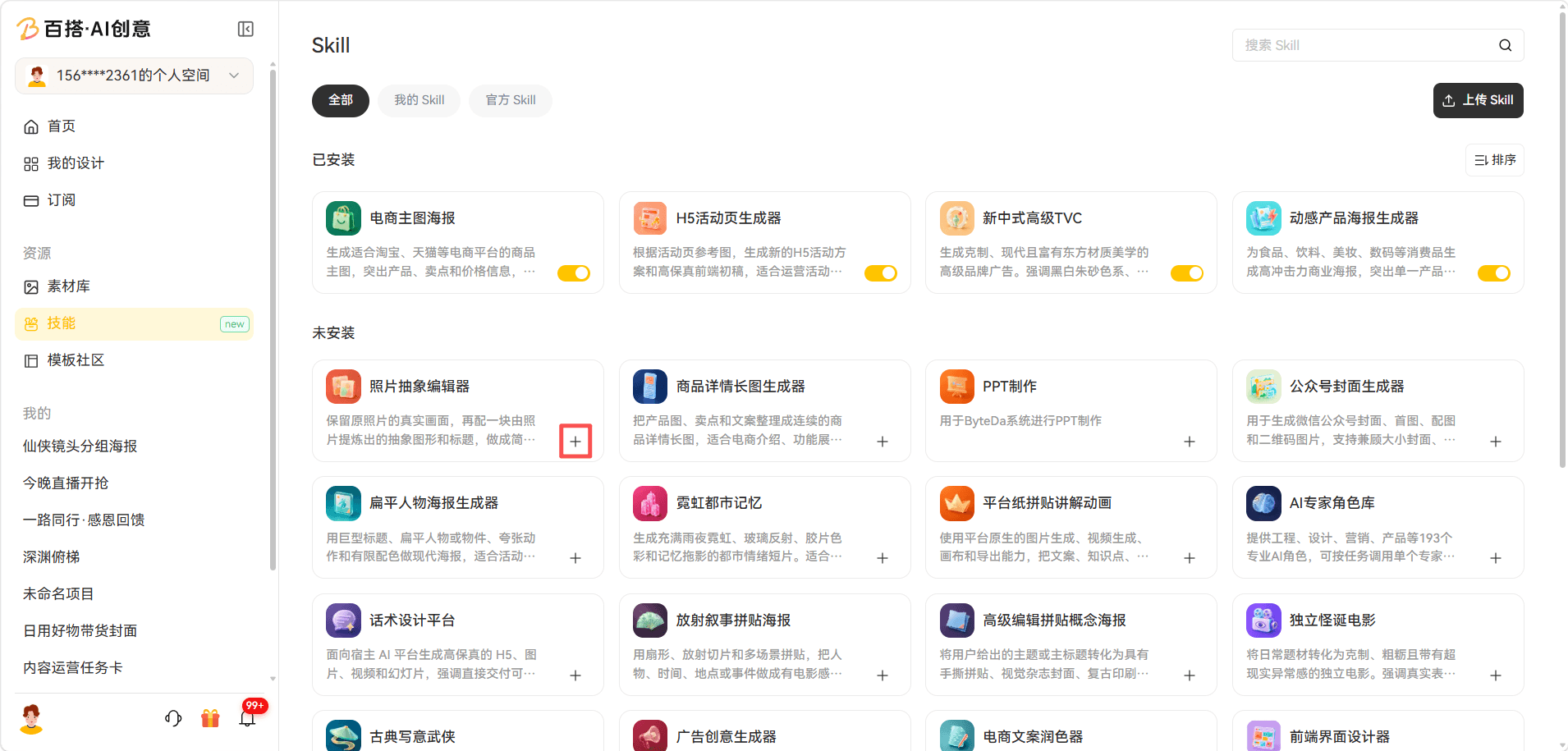
1. Install a Skill
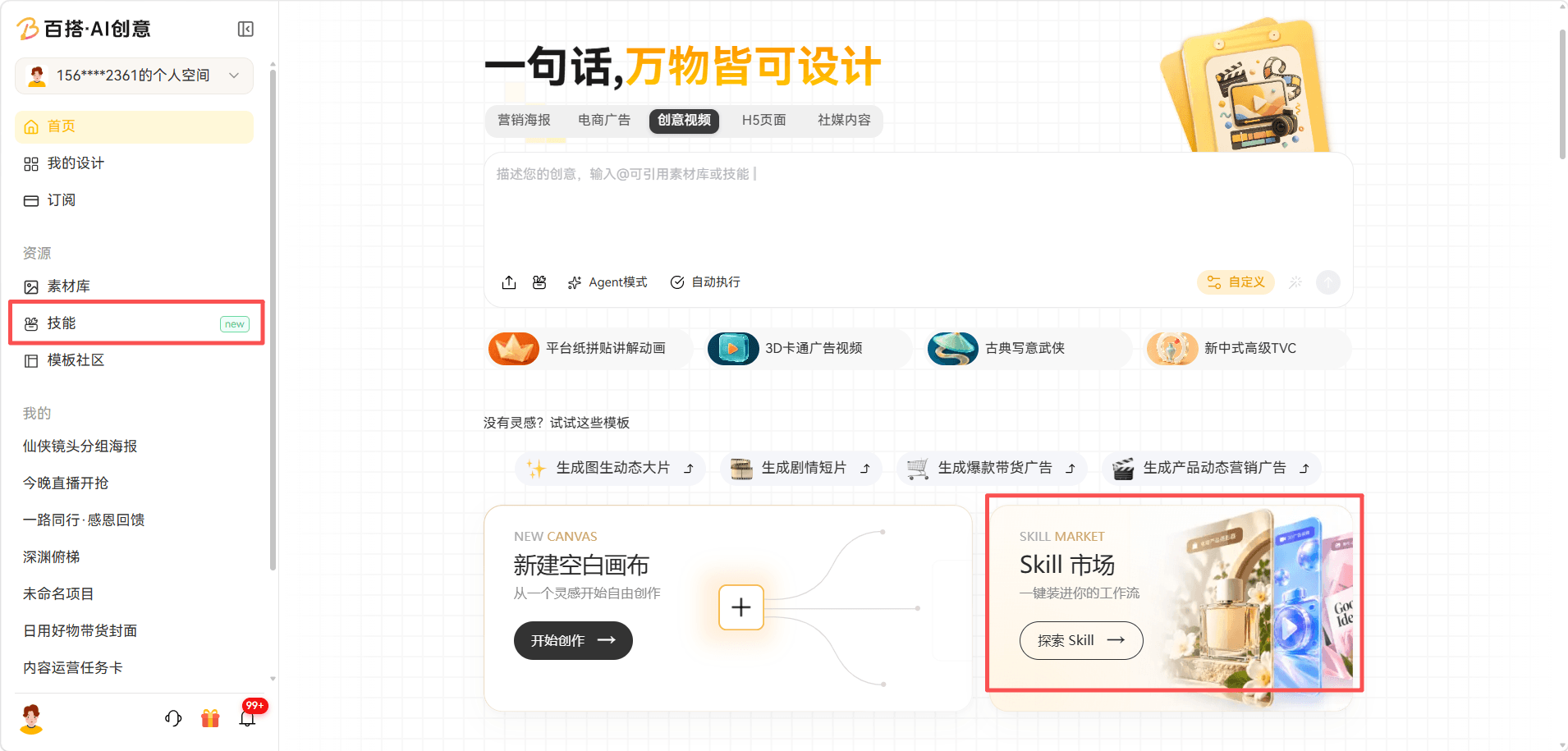
Path: Home page → Skills, or open Skill Marketplace · Explore Skills from the interface.
Choose a scenario, select a suitable Skill, and add instructions, an AI generation model, delivery format, and other options as needed.
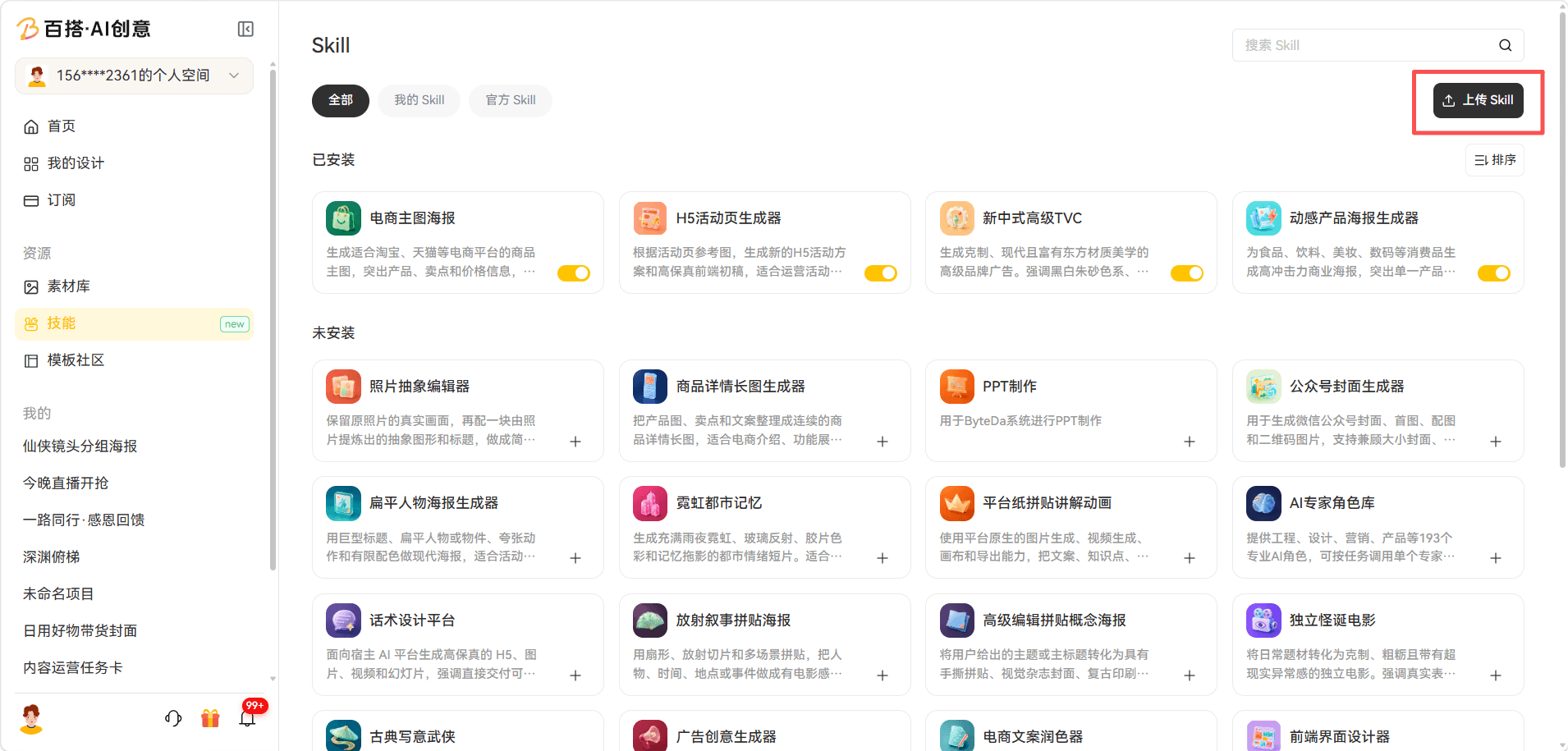
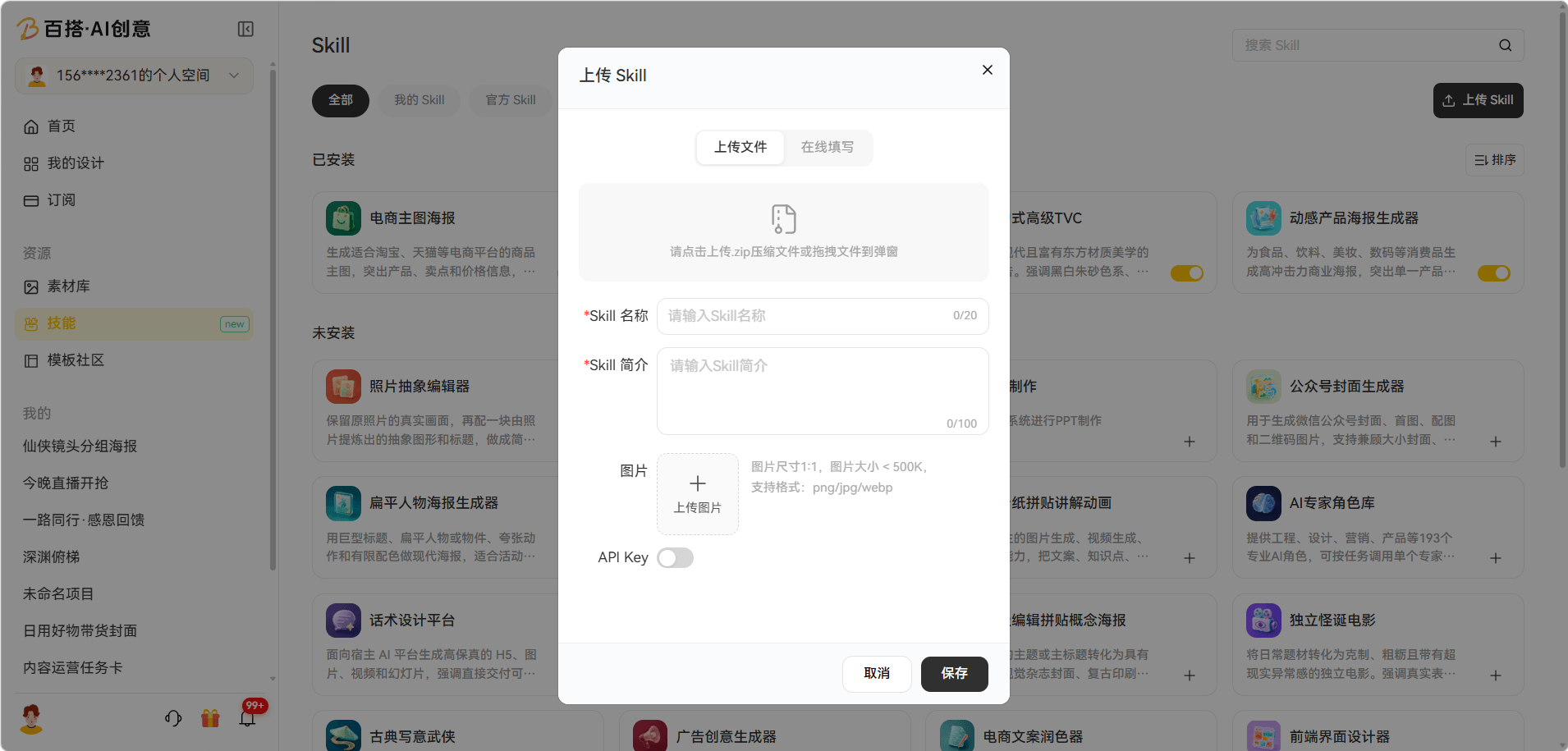
2. Upload a Skill
Path: Home page → Skills → Upload Skill in the upper left → Upload File or Fill Online → enter the Skill name, description, and image → enable the API key.
3. Use a Skill
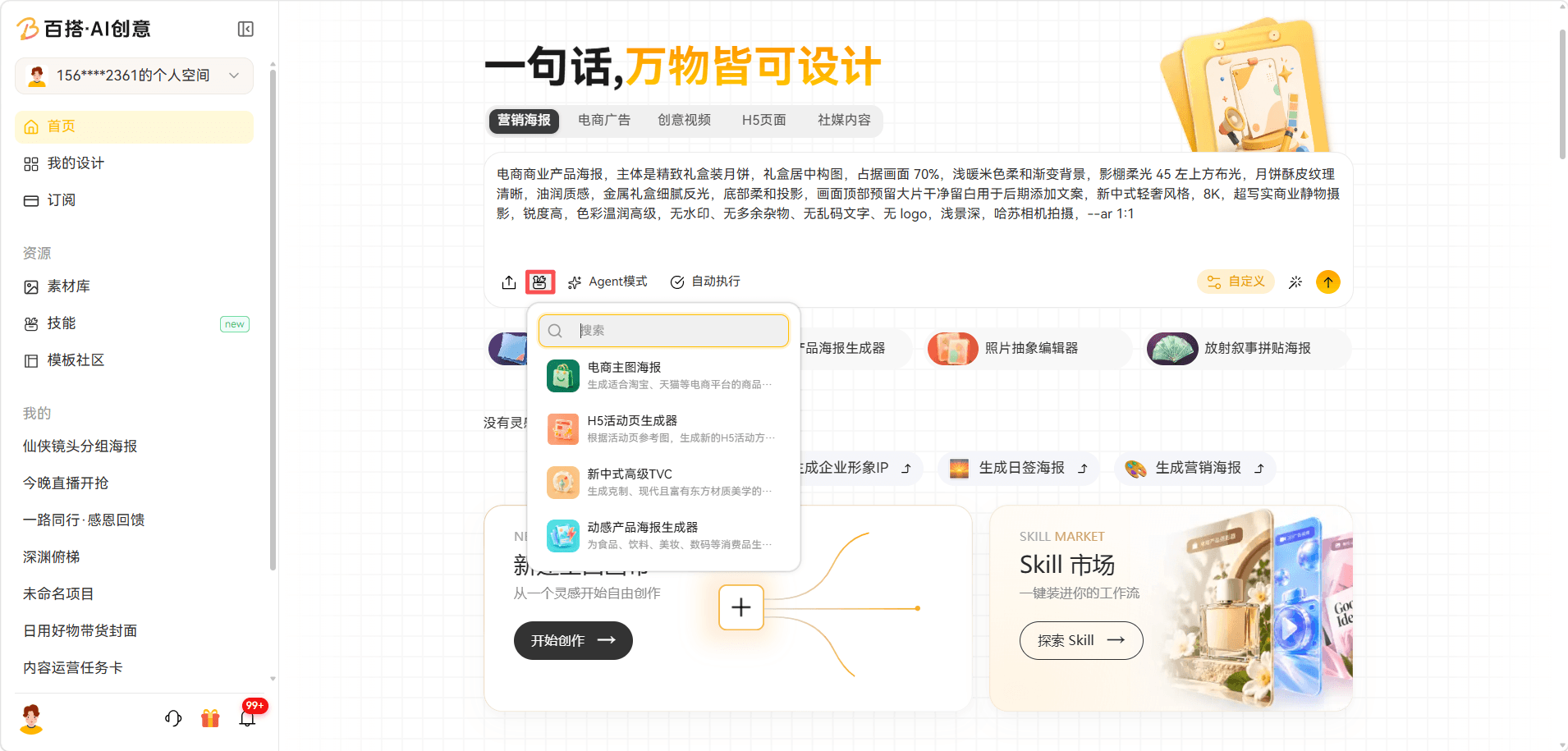
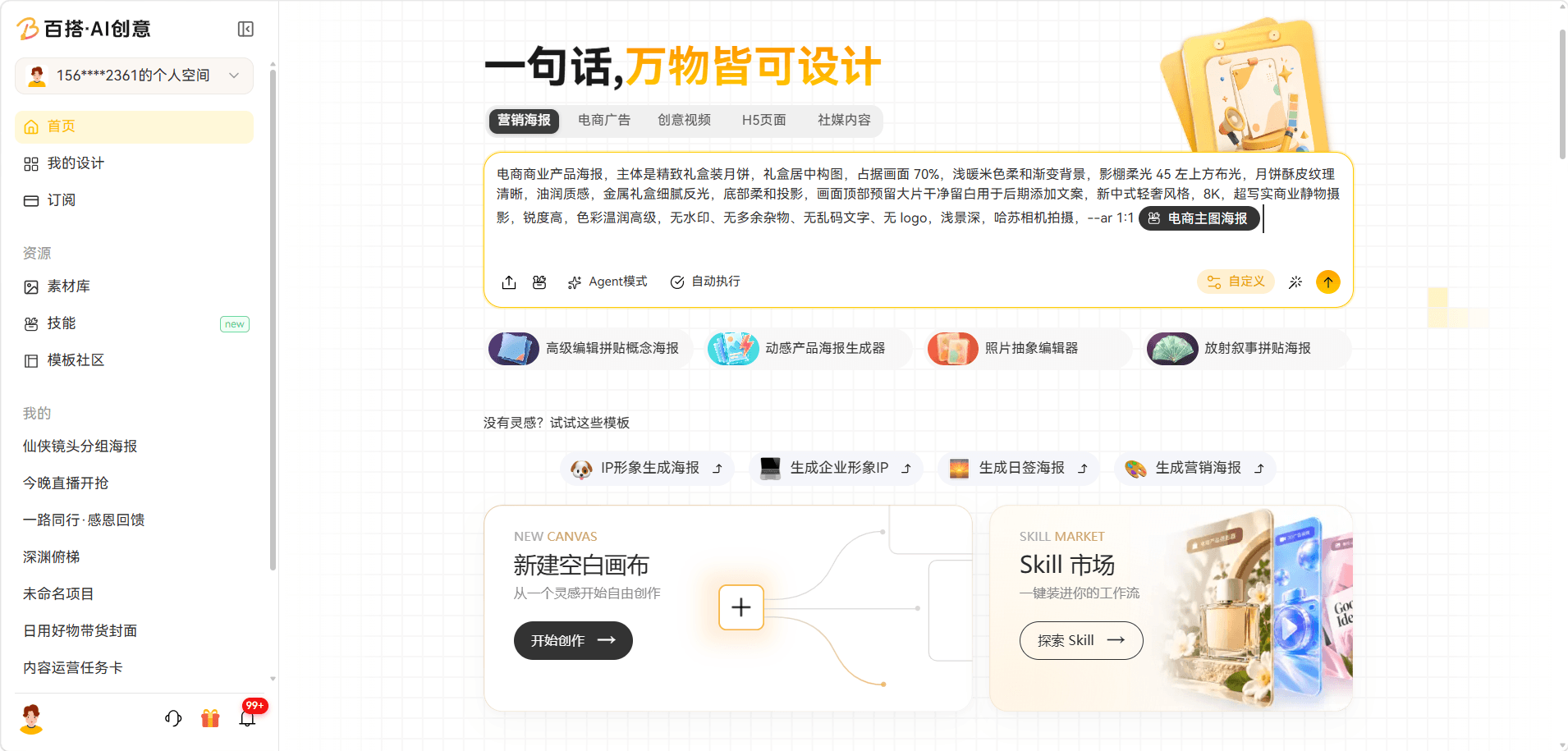
Path: Home page → Skills → enable a Skill → open the home page chat box → click Reference Skill → search for and select a Skill → use it to generate a creation scenario.