Easy Video Editing
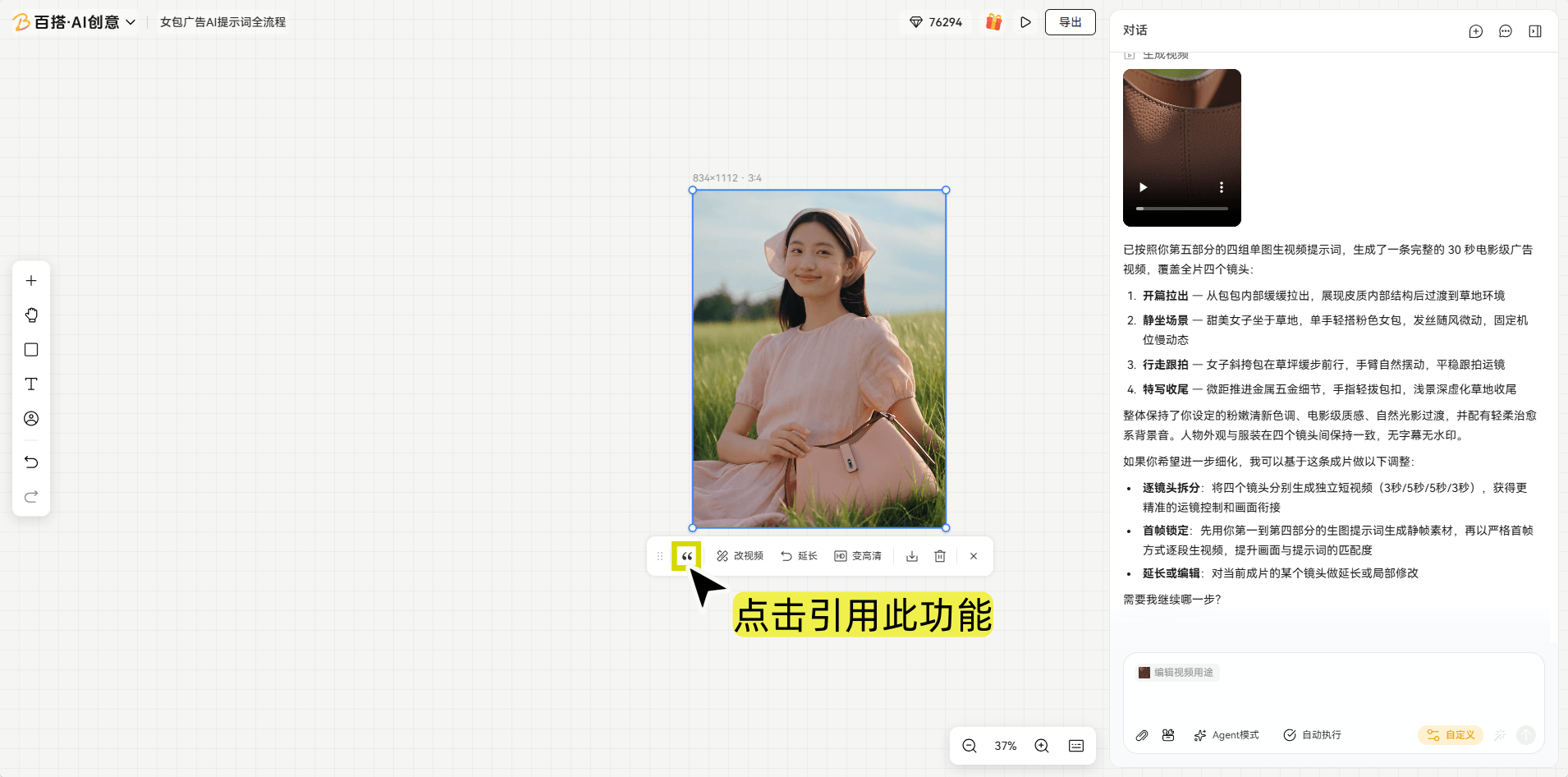
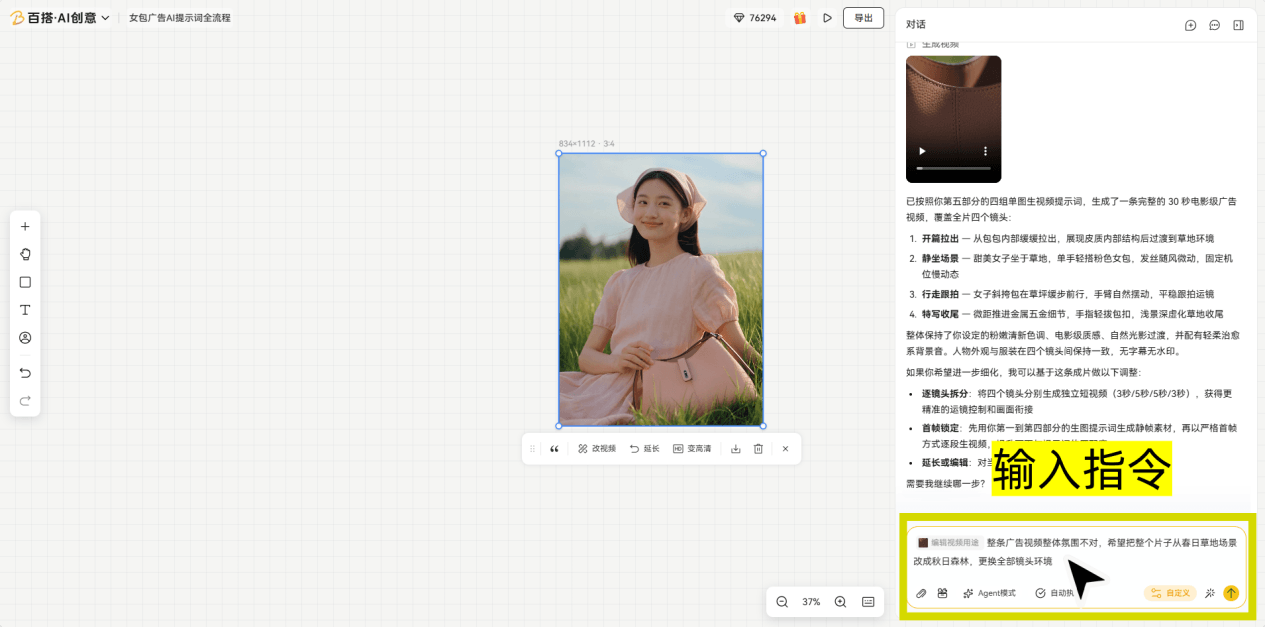
1. Reference
Not satisfied with a generated clip? Click Reference on a result and enter your request to remake the video as a whole. This is useful for changing the overall scene, style, or camera narrative and generates a new version.
2. Edit Video
Need to fix only part of a video? Enter your request to preserve the original shots, camera movement, and overall composition while changing objects, props, or local details.
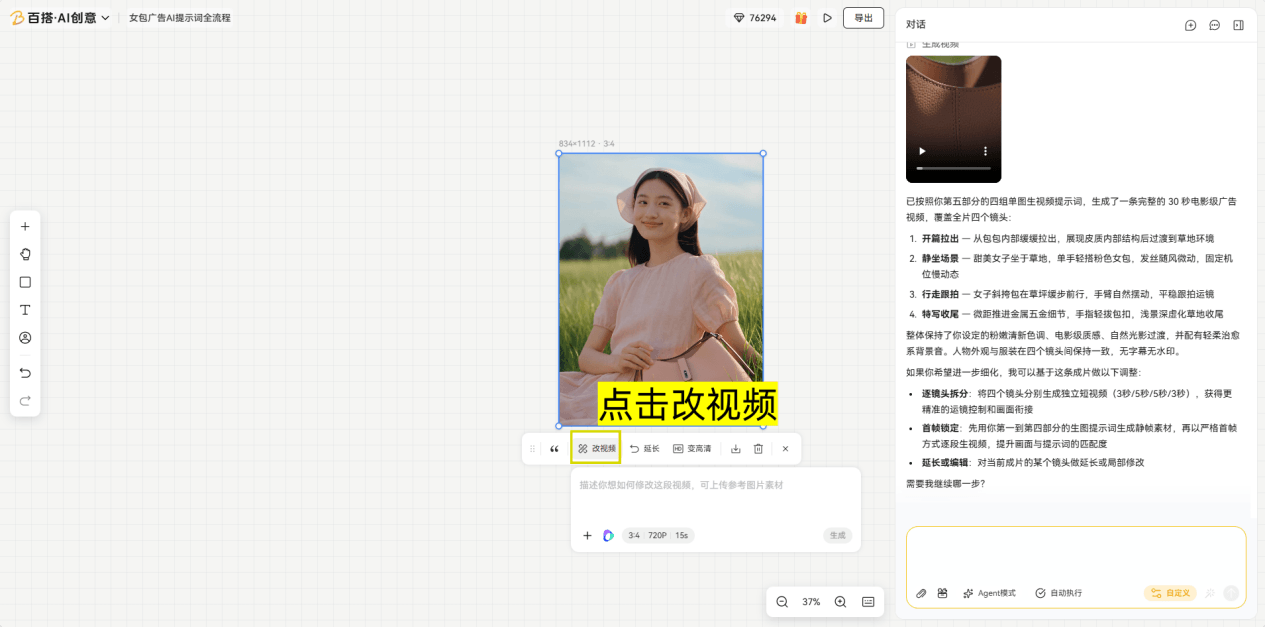
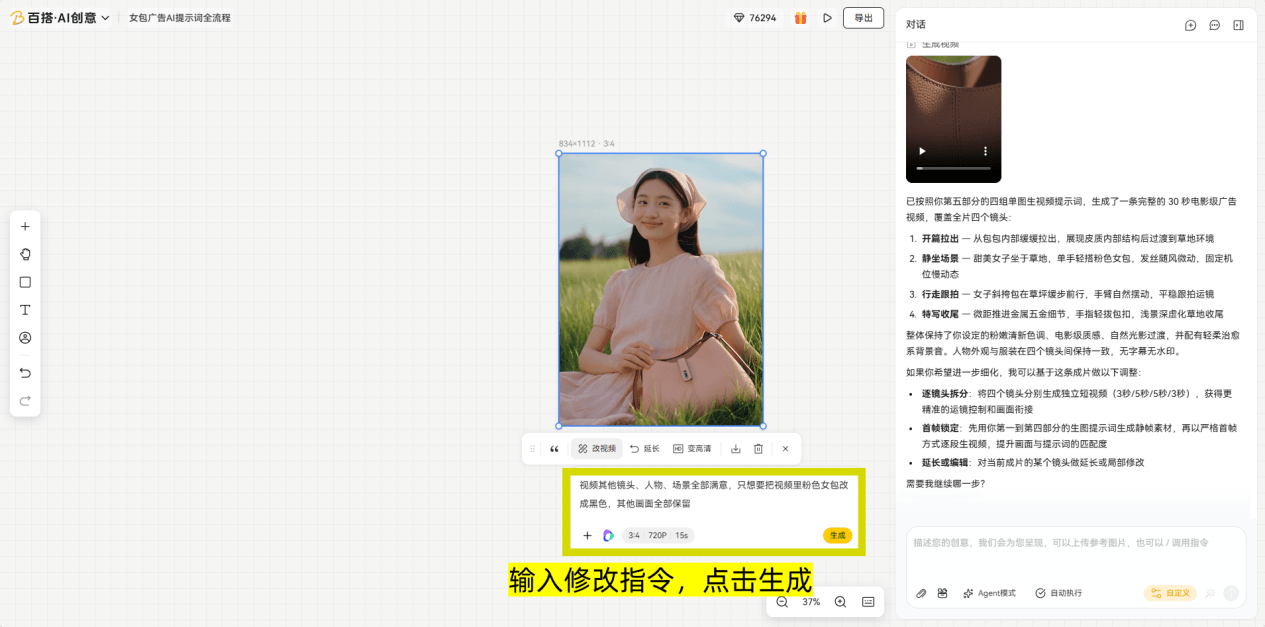
3. Extend Video
If a video is too short, click Extend, choose whether to extend before or after the original clip, set the added duration, and enter a prompt. The new segment is joined to the original without changing its existing content.
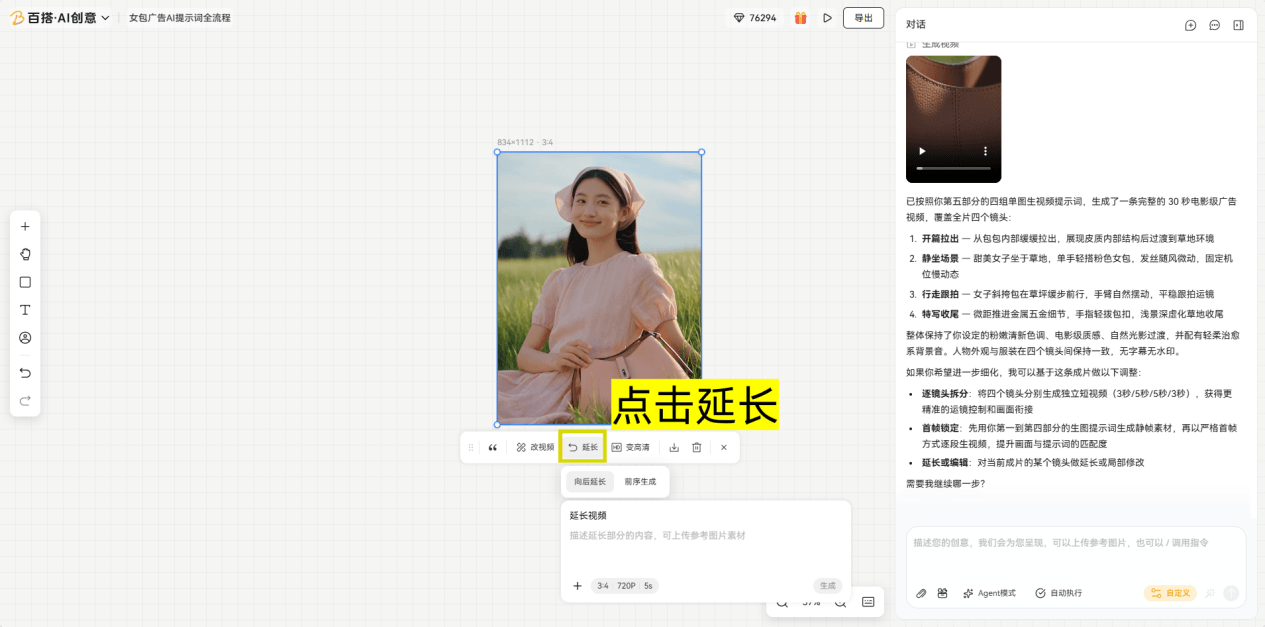
4. Switch Parameters
Select a video and click Switch Parameters to change the underlying model, aspect ratio, duration, resolution, number of outputs, or style. Generate again to get a different result.
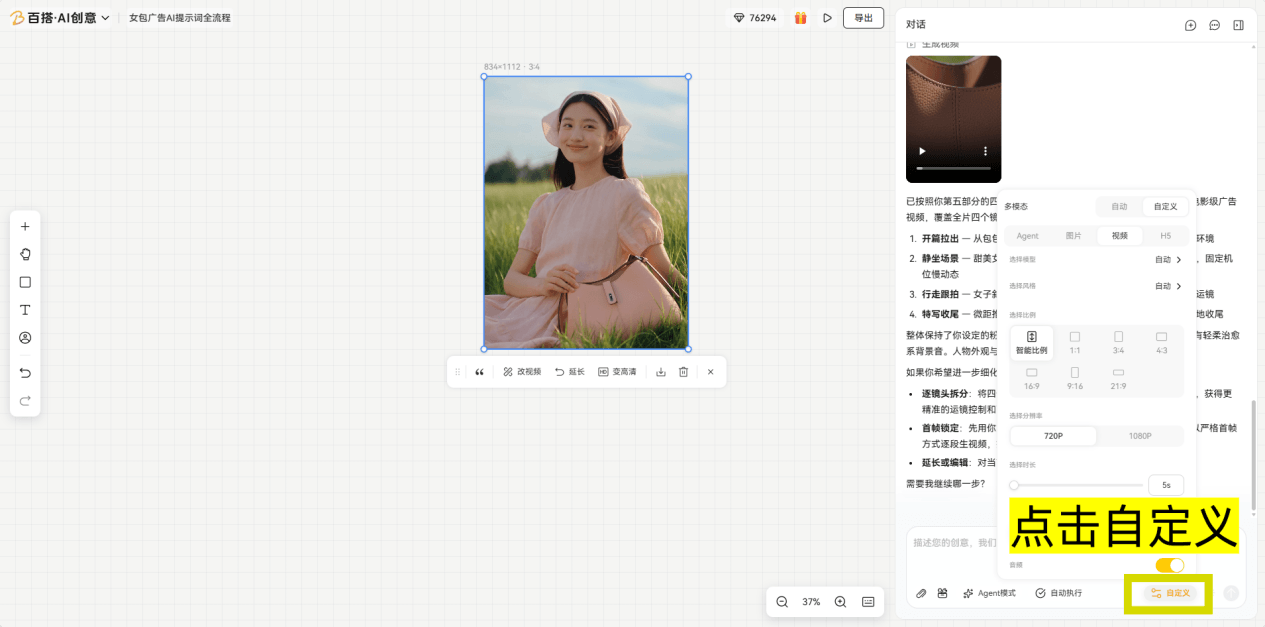
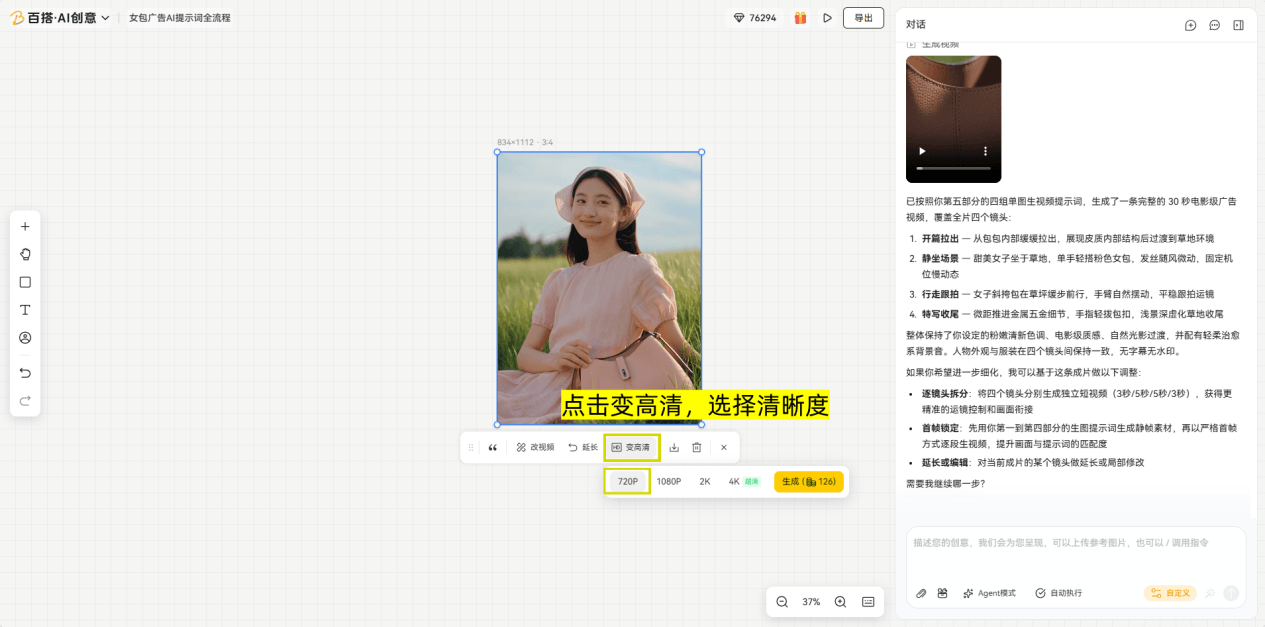
5. Upscale
Select a video and use Switch Parameters to adjust its model, aspect ratio, duration, resolution, output count, or style, then generate it again for a higher-quality result.