Templates
1. Using Templates
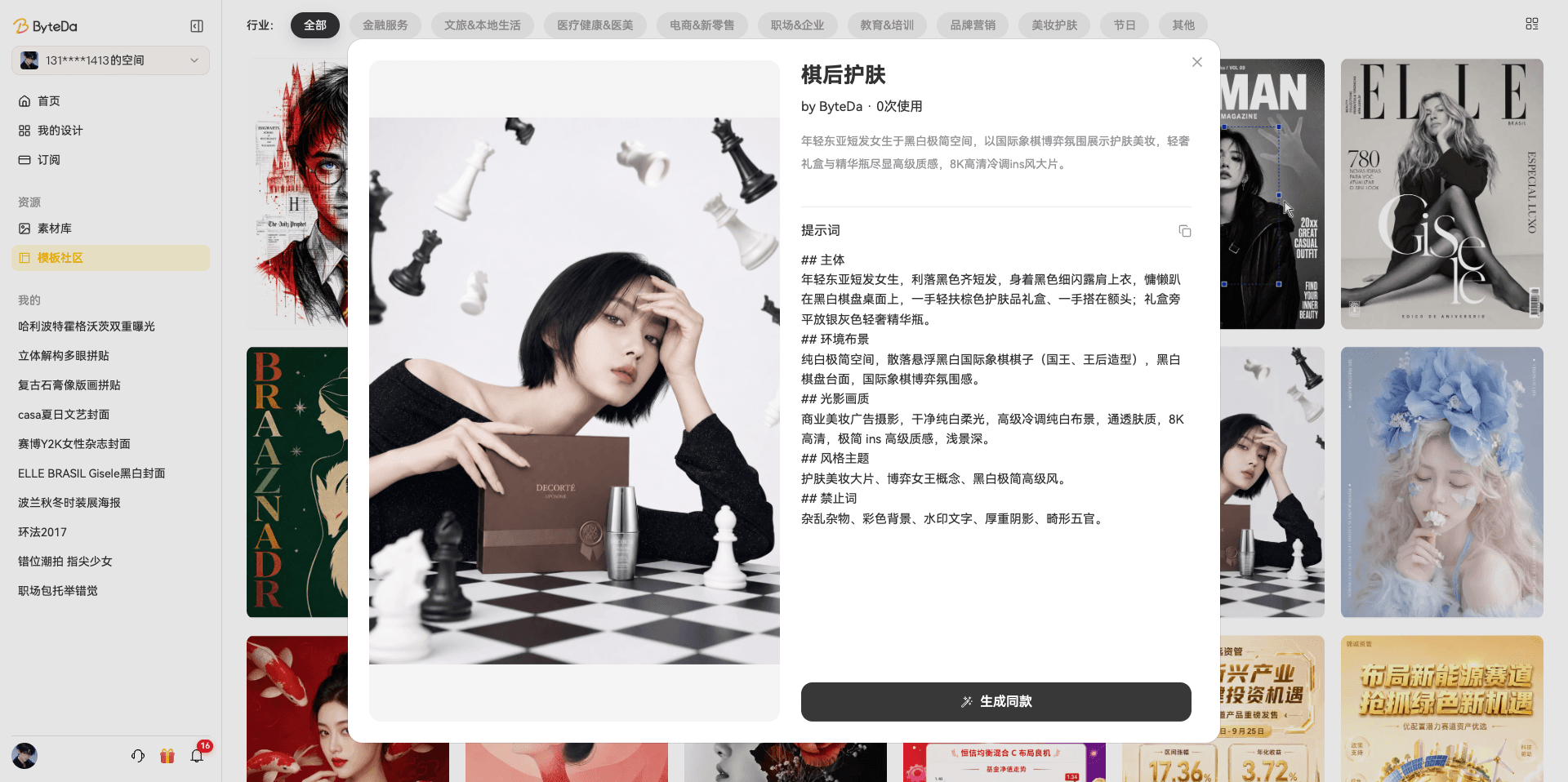
Path: Home page -> Template Community
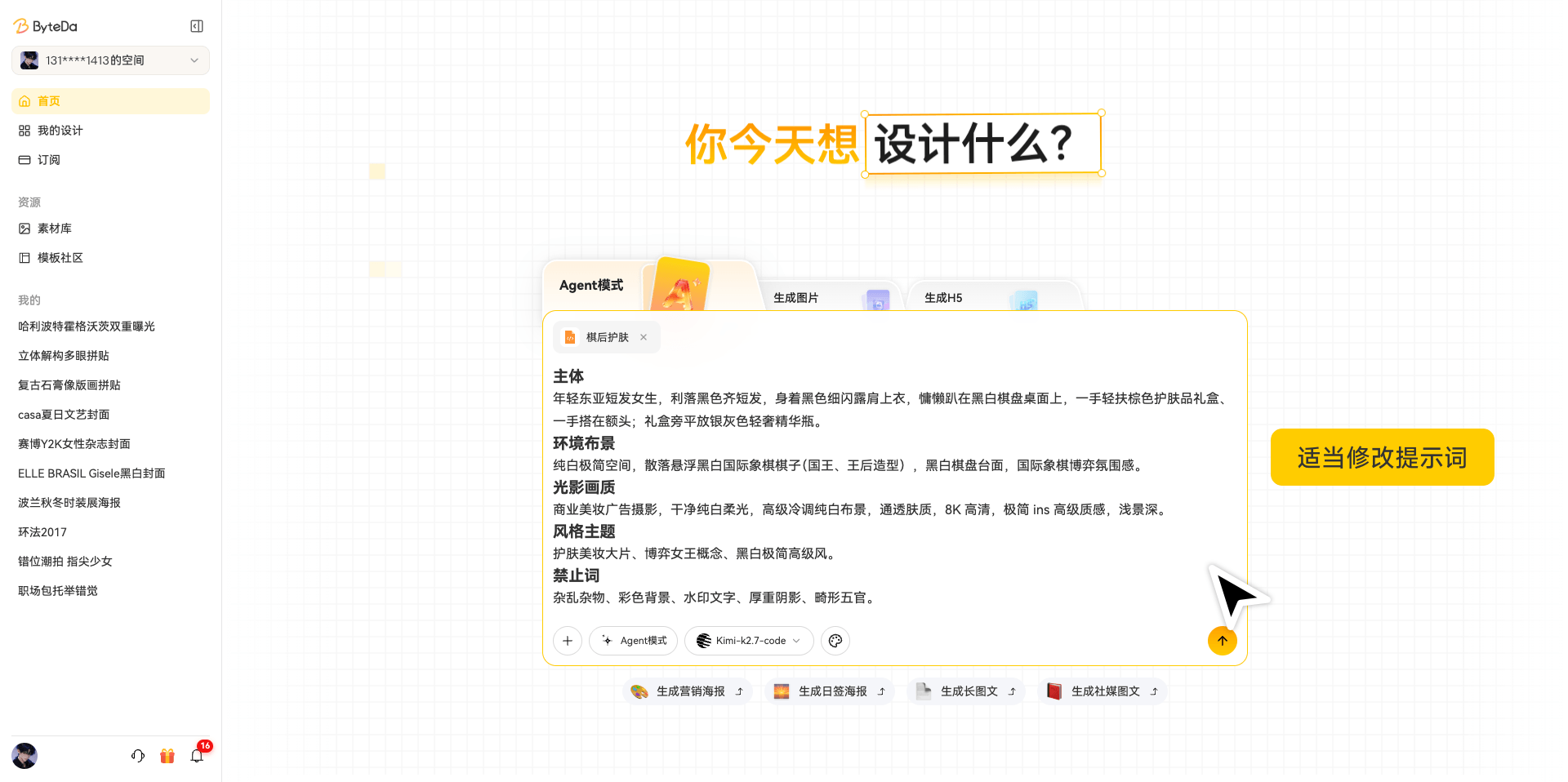
Choose the industry you want to generate images for, pick a suitable template, then adjust the prompt, AI generation model, image size, and more as needed.
2. Duplicate and Delete a Canvas
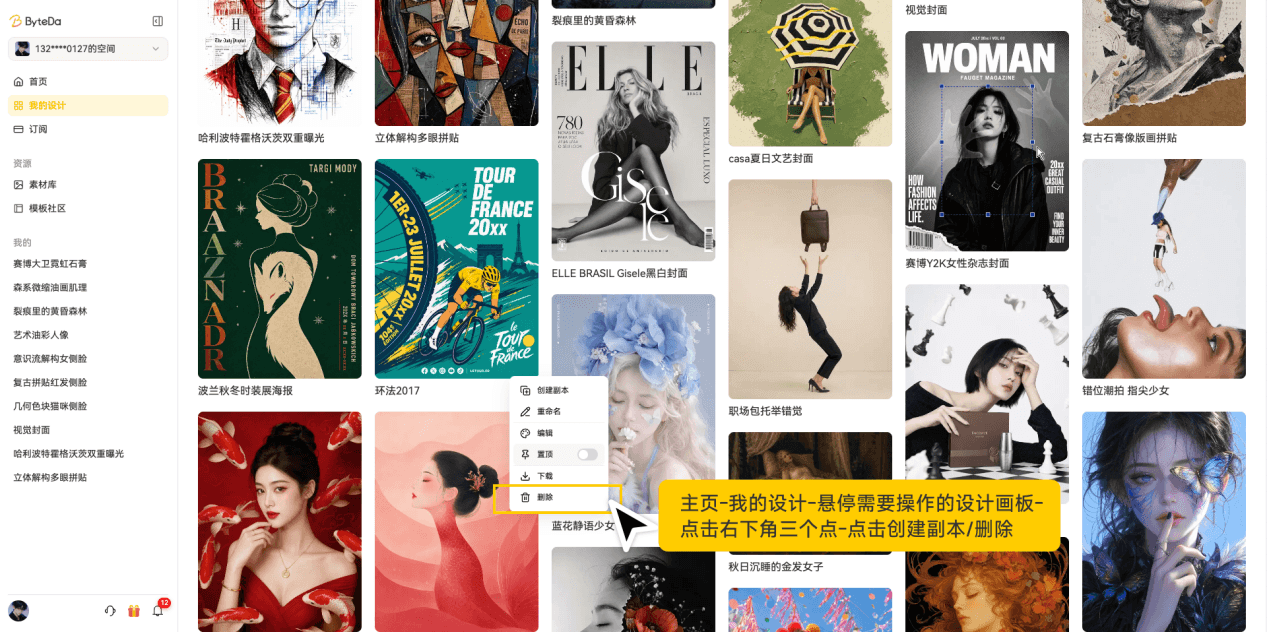
Path: Home page -> My Designs -> hover over the canvas you want to manage -> click the three dots in the lower right -> choose Duplicate or Delete
3. Favorite Design Elements
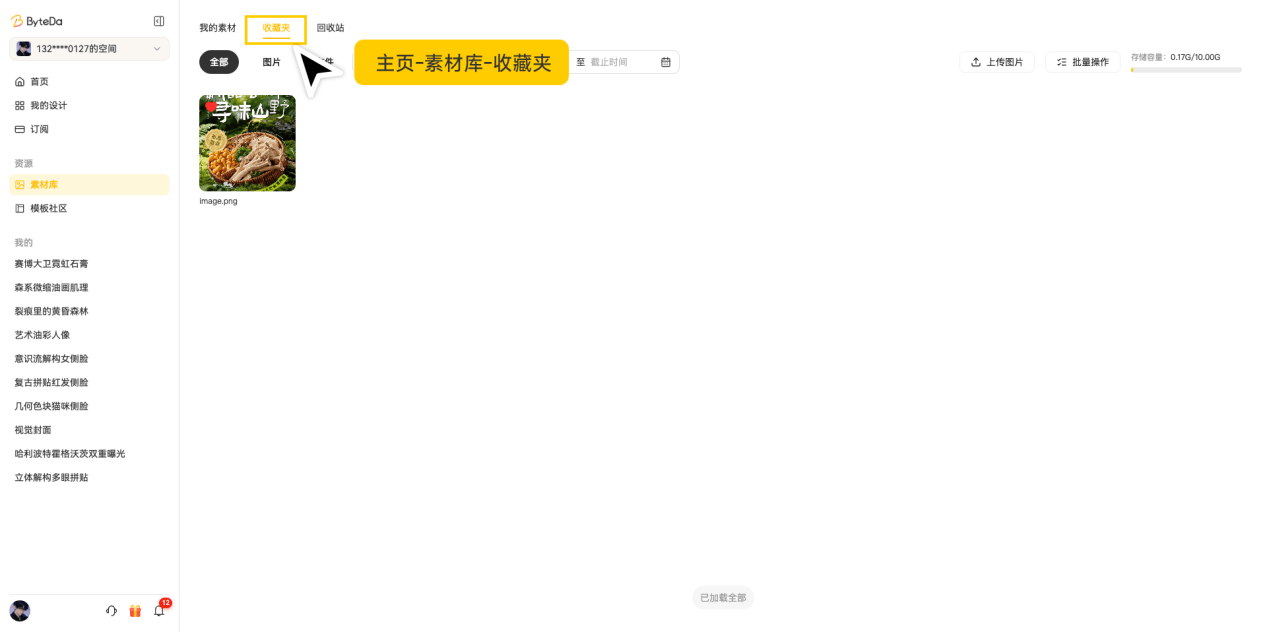
Path: Home page -> Asset Library -> hover over the element you want to manage -> click the three dots in the upper right -> choose Favorite
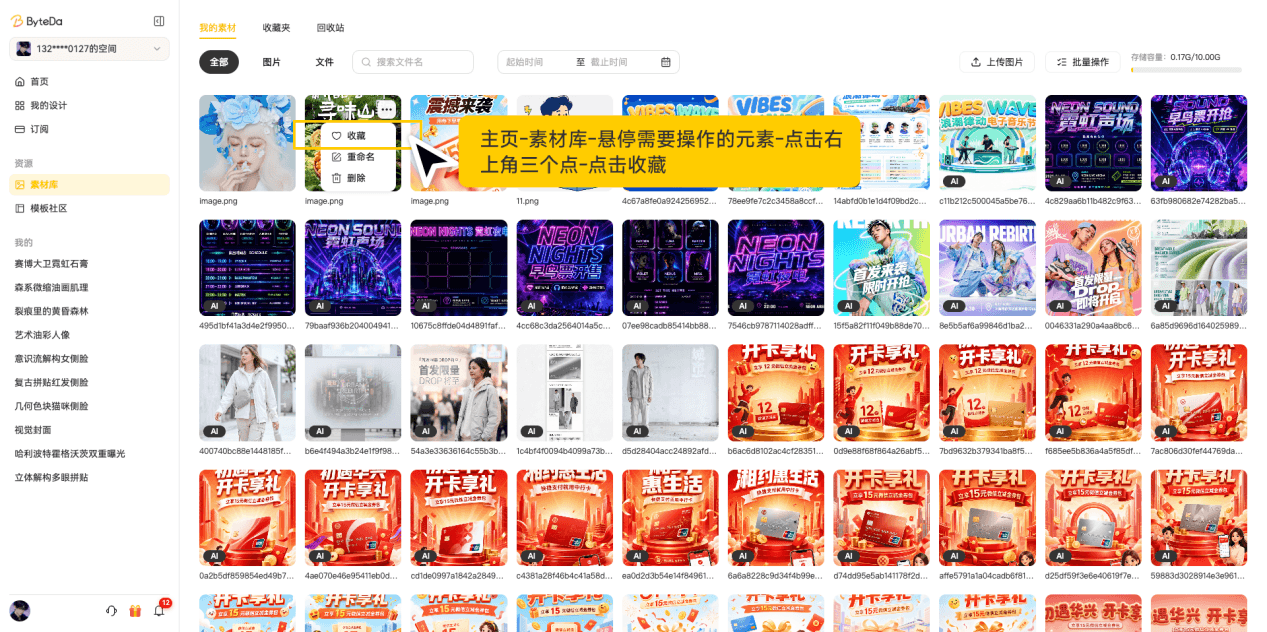
To view favorite elements: Home page -> Asset Library -> Favorites